Slack is where work happens. Slackbot is how it happens, turning specialist work into a conversation everyone can build on.
Examples of what you can ask Slackbot: help me build a Slackforce Surface for my sales pipeline. what's my pipeline risk? help me close out an incident report. show me recent product adoption trends. draft a quick status update based on my recent work activity. prep talking points for the next meeting with my team.
Most AI agents only know what you tell them. I already know how your business works — the conversations, decisions, and data built up over years. And I don’t just answer questions, I work with every app and agent connected to Slack

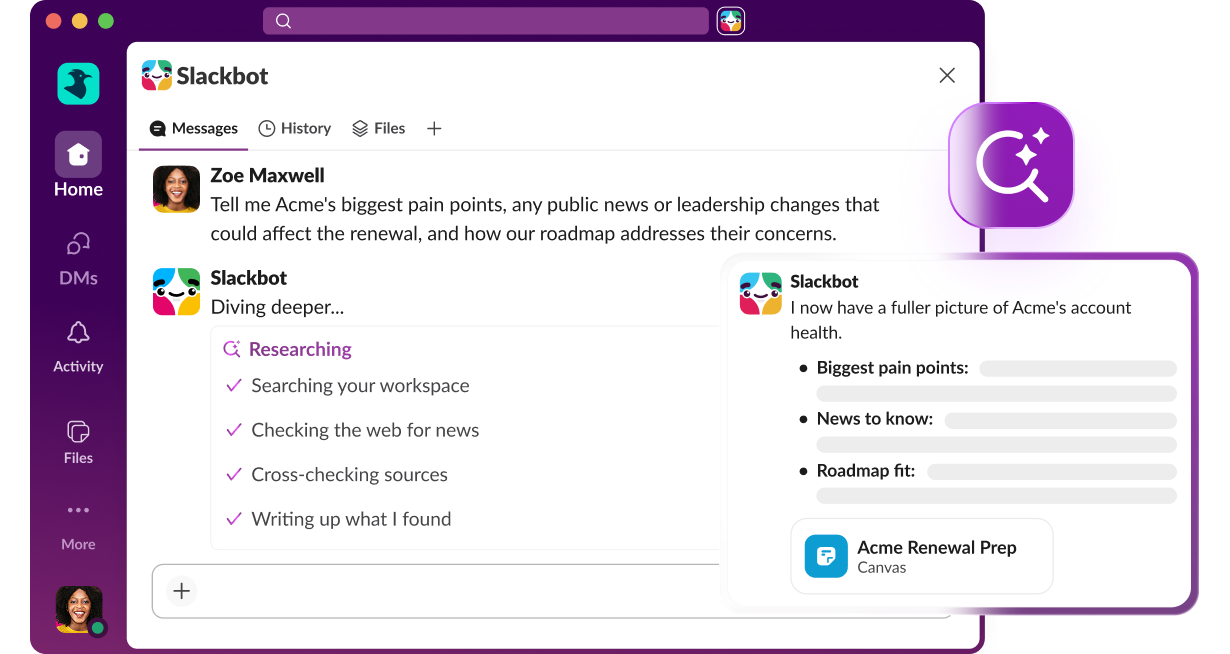
Ask Slackbot complex questions and get rich answers right in Slack. Slackbot searches your Slack history, connected apps, and the web to deliver a full report, complete with citations.

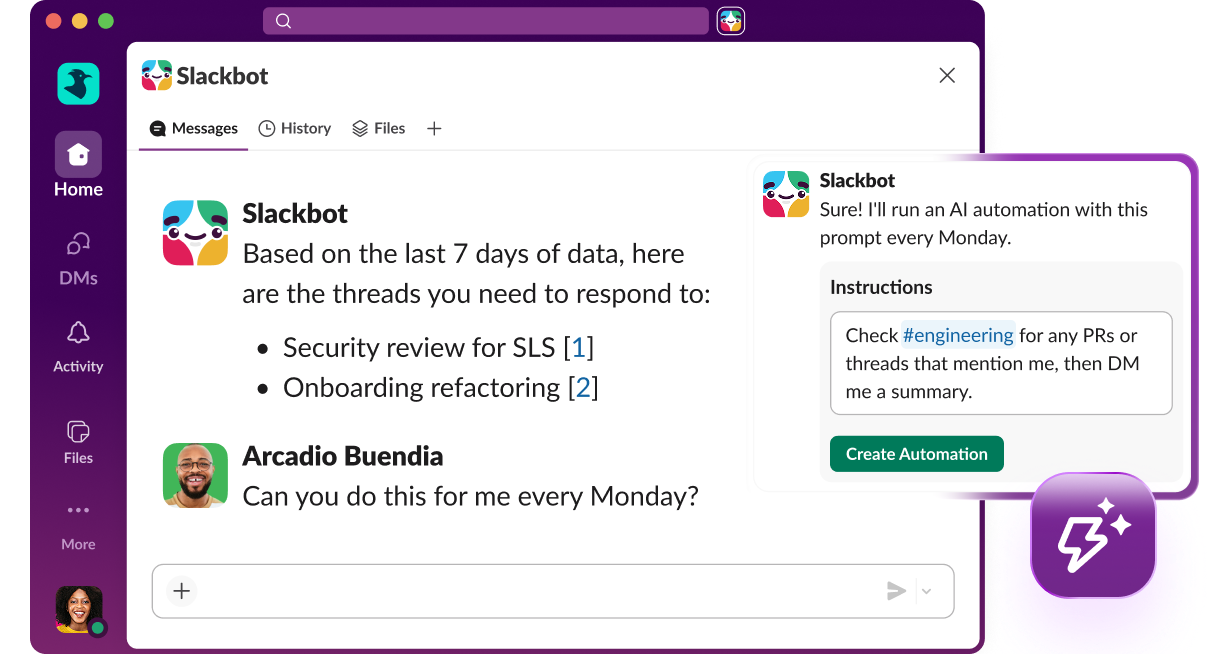
Build repeatable workflows just by asking, then share them with your whole team. Now anyone can create automations on demand, no developer required.
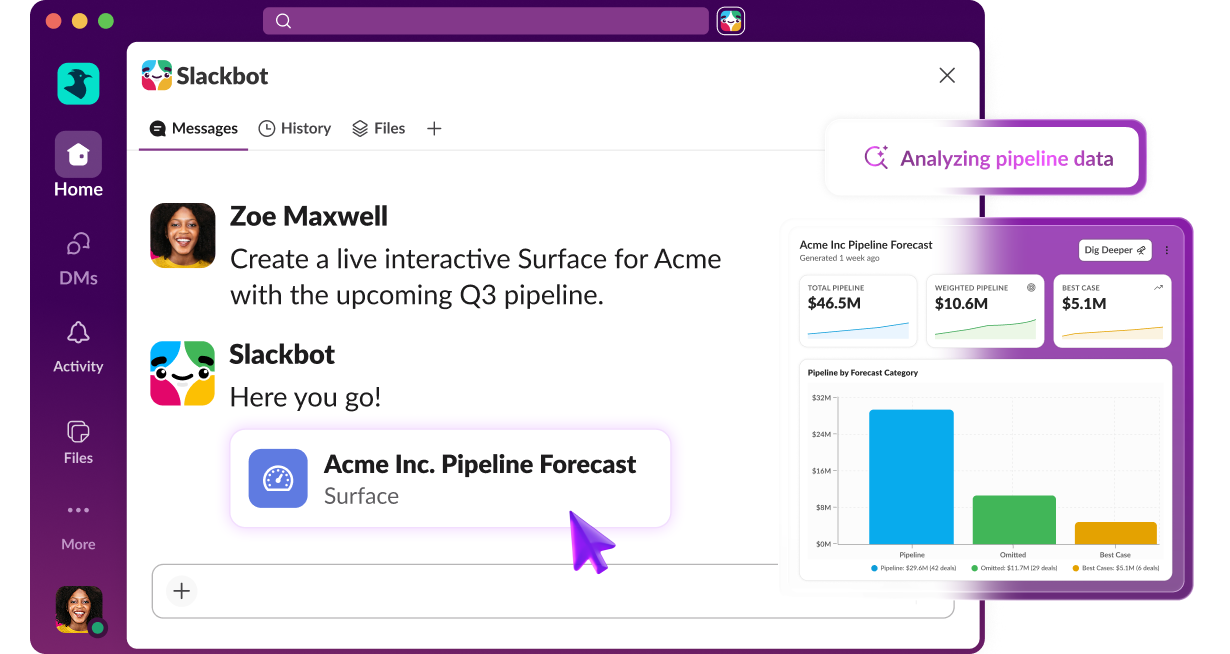
You don’t need a specialist to build interactive experiences. Just ask Slackbot to build dashboards, reports, polls, calculators, simulations, and more.
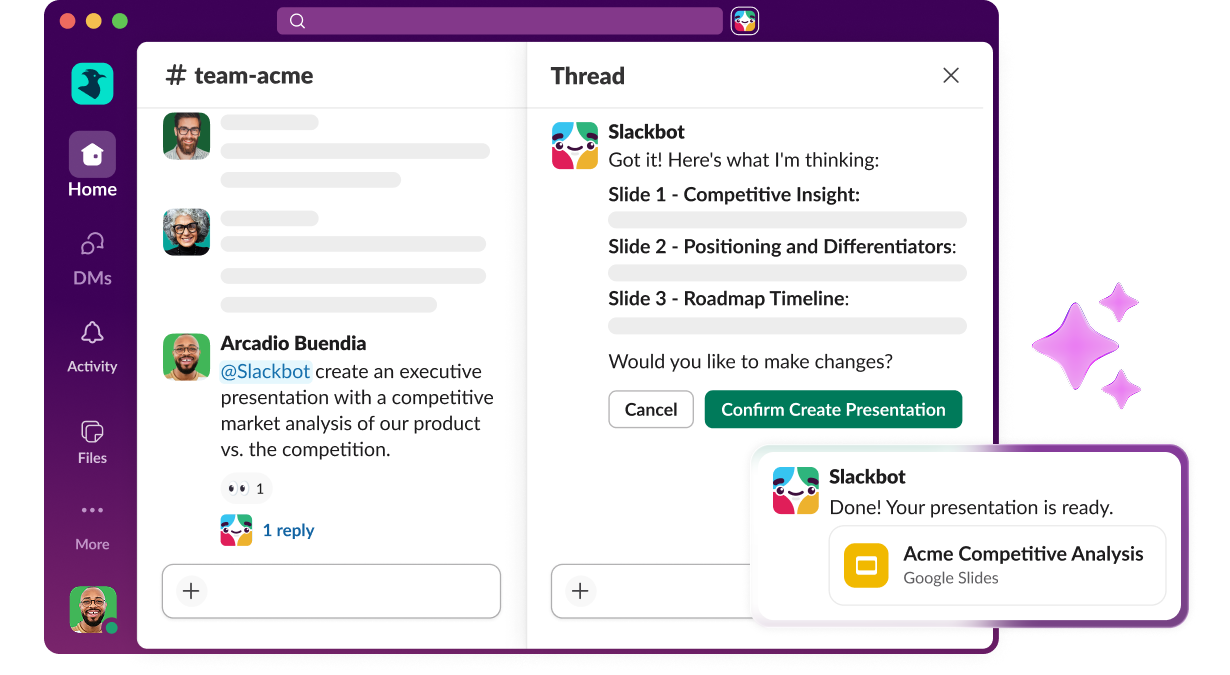
Tag Slackbot into the channel to go from idea to polished work, together. Build a chart, create a presentation, or draft a document using your own templates and context.
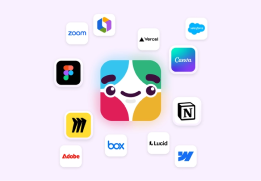
Take action across all different apps with Slackbot. Work across Jira, Figma, Salesforce, Docusign and more, or just have Slackbot find the right app for the job.

While you’re hard at work in Slack, I’ll work alongside your apps and agents. Ask about pipeline risk, a product launch, or an IT issue, and I’ll find who and what you need to solve the problem. Soon I’ll be able to work across Agentforce, Tableau, MuleSoft, and Salesforce data, too. No tool-switching. No re-explaining yourself.
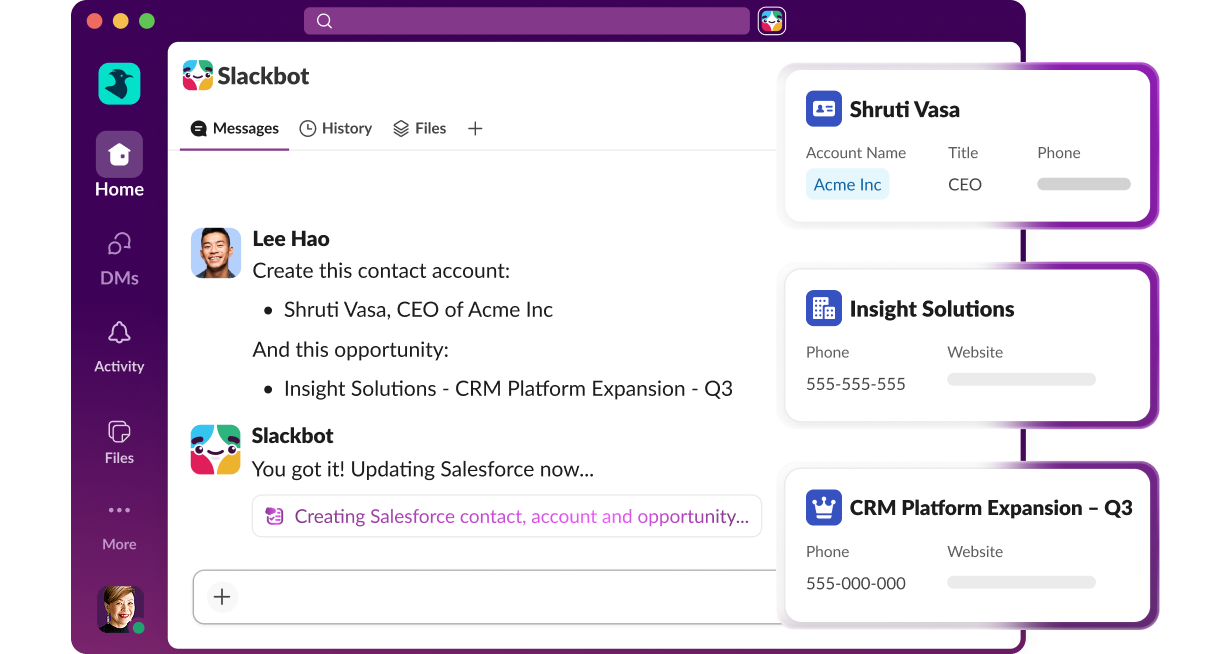
I help small businesses manage customers with ease. Ask me to create accounts, update records, prep for meetings, log calls and notes, generate summaries, or draft follow-ups. Managing your accounts is as easy as messaging a teammate.
Turn your best workflows into skills with a few simple instructions, no coding required. One person’s idea becomes something the whole team can run in one click.
I take action in your most used apps, without you ever leaving the conversation. You ask right where you’re working, and the work gets done.
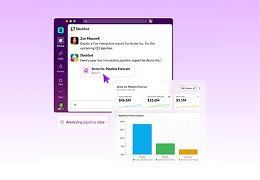
Any tool can show you a chart. Ask me for a report or dashboard and I’ll build one right into the conversation by pulling in your data. You can sort, filter, or pin it to a channel so your whole team works from the same live view.
Tag Slackbot into any channel to pull the full thread together — root cause, fix, and next steps — then share it back so everyone’s working from the same answer.
I’m ready to help even when you’re on the move, running between meetings, or in the car with your phone in hand. Just talk to me to keep work moving. Record a thought, send a message, or trigger an action using just your voice — no typing, no stopping, and no friction.
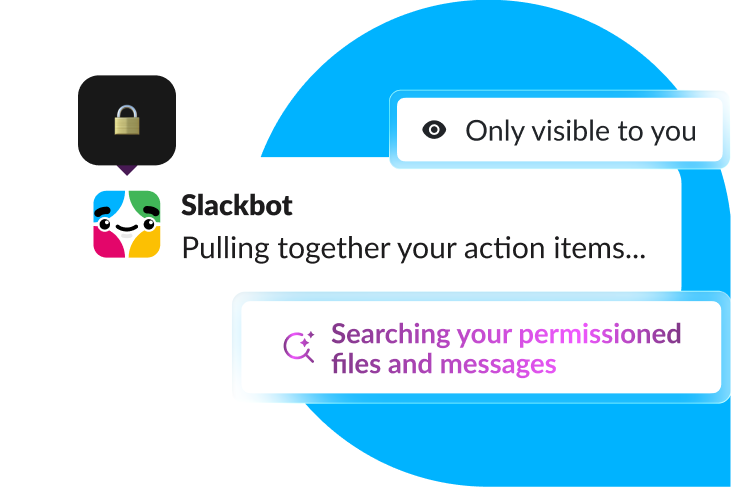
What’s shared with me stays with you. I only surface what you have access to, your interactions are private, and your data is never used to train AI. Slack’s security and compliance standards apply to every request.


Slackbot is the only AI that already knows your org — including your channels, permissions, history, and connected systems — from day one, with no setup required. Tag it into a channel, and it doesn’t just answer there. Slackbot is already grounded across every public channel you have access to, so it builds on what your team has already solved without you asking twice. Skills turn individual wins into workflows that the whole org can run instantly, so your whole team gets better together.
Slackbot helps you navigate your workday, doing the work that once required a specialist — synthesizing research, turning your data into a live dashboard, deck, or report the whole team can act on together, running Skills your team built, taking action across your apps, or building together with Slackbot in the channel. All from one conversation, without leaving Slack.
Slackbot runs natively inside your existing security perimeter and inherits your organization’s permissions, governance, and access controls automatically. Your data is never used to train AI models. Every agentic action gets a full audit trail and human-in-the-loop approval, so nothing runs without your say. And it’s all backed by FedRAMP, SOC 2, EKM, DLP, and HIPAA compliance.
Yes, Slackbot can be used anywhere Slack is available. It respects your Slack language settings and can generate responses in the language you use in Slack.
Slackbot puts your CRM where work happens. Update records, prep for meetings, log calls, and generate follow-ups without leaving Slack. Turn your pipeline, forecast, or case backlog into a live dashboard your whole team can act on right in the channel, no analyst or BI team required. And because Slackbot lives in the channel, everyone’s working from the same view, not a private spreadsheet only one person can see. For small businesses, Slack CRM lets you manage customers and accounts directly in Slack.
Slackbot is available on Business+ and Enterprise+, with unlimited access on Enterprise+. Business+ users have ongoing access with a weekly message limit, while Free and Pro users can try Slackbot out with a limited sample.
Slackbot connects to the tools your team already uses, including Jira, Figma, Salesforce, Docusign, and many more via MCP. You can also build custom skills to automate recurring work and share them with your whole team — no developer required.